Imagine a prospect fills out a pricing form on Friday afternoon. Marketing logs it as a new lead. Sales doesn’t see it until Monday because it’s buried in a shared inbox. By then, the prospect has already had a demo — with a competitor whose CRM caught the lead the instant it arrived, routed it to the right salesperson, and armed them with everything marketing knew about the prospect. Reply time: nine minutes. Yours: three days. To fill that three-day gap, HubSpot CRM comes into play.
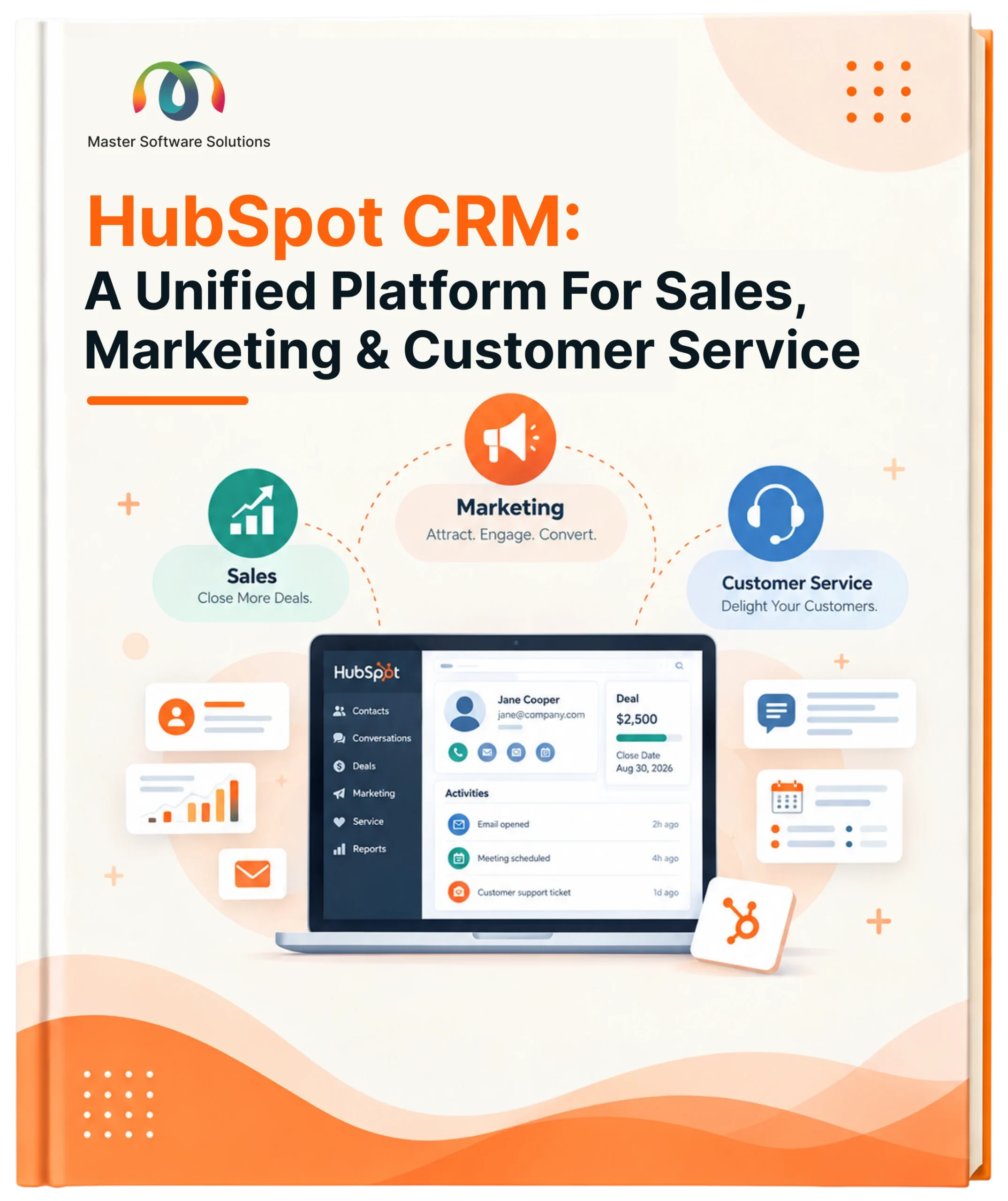
HubSpot CRM is a cloud-based platform that aligns sales, marketing, customer service, and content teams in a unified platform. It serves both B2B and B2C businesses across industries that include education, manufacturing, retail, financial services, and more. It merges social media, SEO, and relationship management into one system, so customer data flows freely instead of getting trapped in five different tools.
Historical View of HubSpot
Brian Halligan and Dharmesh Shah founded HubSpot in 2006 after noticing that buyers had stopped responding to interruptive commercials and started craving useful content instead. That observation became inbound marketing — attract people with content worth their time, rather than pushing ads at them. Today HubSpot has grown well past its marketing roots into a full AI-powered CRM platform helping businesses manage the entire customer lifecycle, not just the top of the funnel.
The Six Hubs That Run the Platform
- Marketing Hub — Attracts the right audience, runs inbound campaigns and Google Ads, and builds no-code pop-up forms.
- Sales Hub — Manages the deal pipeline, triggers email sequences, and speeds up closing with built-in CPQ (configure, price, quote).
- Service Hub — Powers onboarding and support at scale, automating repetitive work so teams focus on solving real issues.
- CMS Hub — Builds and secures landing pages, website pages, and SEO-aligned blog content for marketers and developers alike.
- Operations Hub — Syncs and cleans customer data two-way across tools, with custom JavaScript automation.
- Commerce Hub — Handles quoting, invoicing, payment links, and subscription billing for e-commerce revenue.
Standout Free Tools Worth Knowing
- Free CRM — Tracks deals, manages contacts and ads, and connects to 1,500+ integrations, at no cost.
- Live Chat — Auto-assigns website visitors to the right rep and lets you build bots for meetings and FAQs.
- AI Content Writer — Drafts blogs, website copy, and social posts from a simple prompt, no added budget or headcount.
- Website Builder — Drag-and-drop site building with pre-built themes, no coding required to launch or maintain a site.
Services That Take You From Setup to Scale
- Implementation — Installs HubSpot, migrates and imports data, and sets up your sales funnel and hubs.
- Onboarding — Configures the platform and trains your team around clear goals, plans, and timelines.
- Customisation — Builds custom objects, properties, and associations that mirror how your business actually runs.
- Marketing Integrations — Unifies advertising, social, and web channels into one consistent, trackable campaign flow.
- Automation — Removes manual handoffs across chat, email, and social so every interaction keeps its context.
- Migration — Moves CRM data, websites, and content from legacy platforms into HubSpot without the busywork.
Is HubSpot Free or Paid?
HubSpot’s free CRM is fully functional, not a stripped-down trial, as it covers marketing, sales, customer service, content management, and operations. Marketers get forms, email marketing, ad management, and landing pages; sales teams get contact management, deal pipelines, and meeting scheduling; support teams get ticketing, live chat, and a shared inbox. Add basic SEO recommendations, a drag-and-drop website editor, and app-marketplace syncing, and most small teams can run a long way before ever needing a paid tier.
Inbound Marketing: Attract, Engage, Delight
- Attract — Earn attention with SEO-optimised content and social posts that establish real expertise in your niche.
- Engage — Address the prospect’s actual pain points to build a relationship that outlasts a single sale.
- Delight — Keep customers supported after the sale with timely chatbots, surveys, and social listening — the follow-through that turns buyers into repeat customers and referrals.
Getting Started With HubSpot
- Email integration — Connect your inbox for a single, automated source of email activity.
- Create filters — Group contacts by shared behaviour, like a recently opened email or reply.
- Import contacts — Bring existing customer data into HubSpot for a complete, accurate record.
- Define deal stages — Set pipeline stages and drag deals through them as they progress.
- Launch lead ads — Run targeted ads with new leads auto-populating directly into the CRM.
- Integrate your website — Add tracking code to capture visitor data and enrich every contact record.
- Onboard your team — Invite every department for centralised, shared access to customer data.
HubSpot CRM is a centralized platform that helps businesses grow their customer reach and build strong relationships that last longer. Implement, customize, and get real-time value with HubSpot CRM.