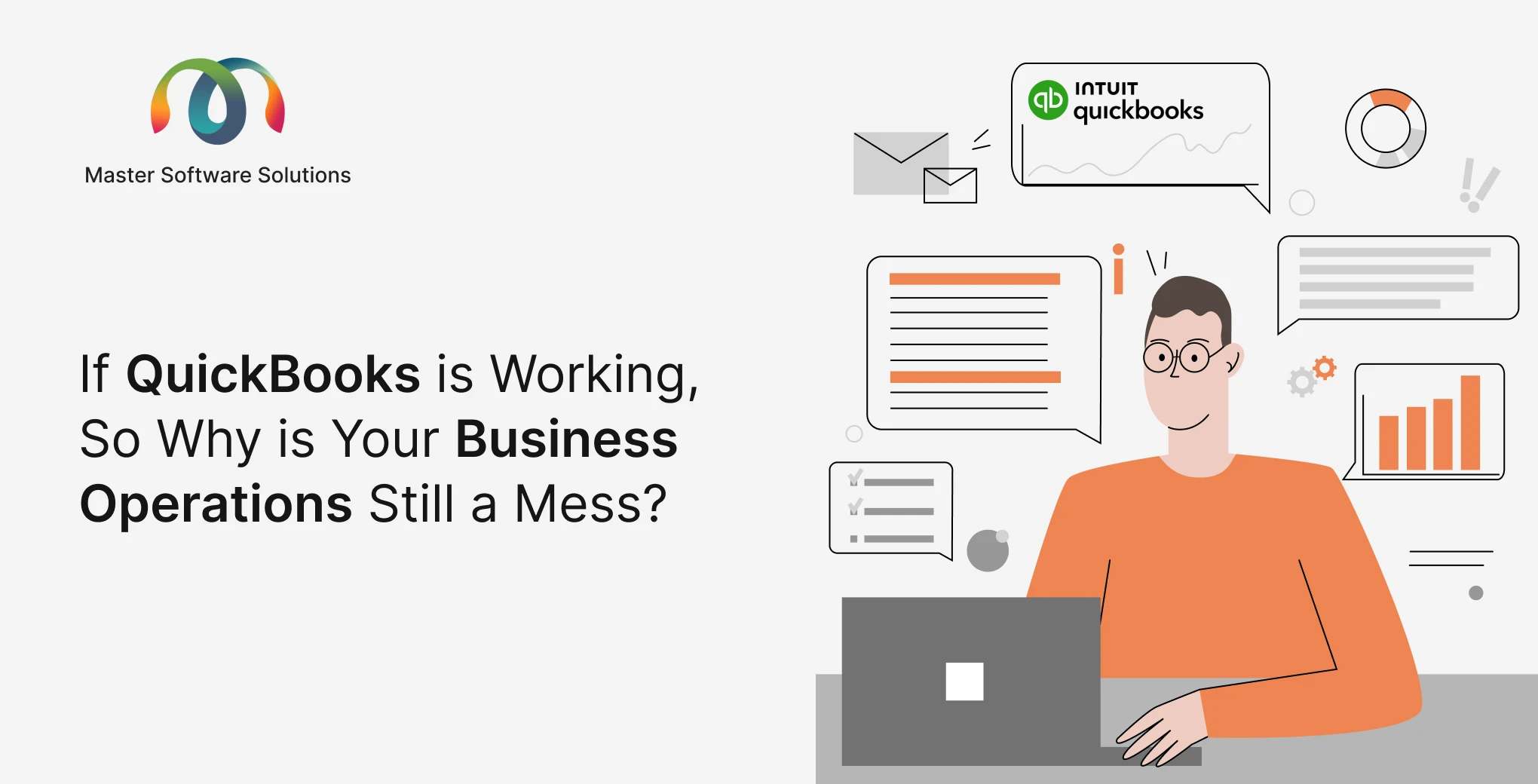
It’s the first week of October & the owner of a large-sized distribution company came across the QuickBooks renewal notice. The monthly price is higher than the previous year. There is one question in mind: “Is our money worth it for this renewal?
The controller says the issue is not about price, but inventory data is updated twice a day, sales tracks leads in a separate CRM, and every sales order is entered into QuickBooks a second time. Someone in the room says Odoo & the entire communication shifts from cost to risk. What happened to eight years of transaction history & will the trial balance match on day one?
These are the few questions that decide whether QuickBooks to Odoo migration goes smoothly. Exporting data is an easy part, but the hard part is deciding what to bring, mapping item, sales & inventory data to Odoo with correct numbers.
This blog walks through the complete journey in order, i.e whether to move, how to plan & how to prepare & load data, timeline & actual cost.
Why Businesses Are Leaving QuickBooks Now
Most businesses that outgrow QuickBooks are running into the same three walls: inventory and manufacturing depth, and process automation.
Support for older Desktop versions has ended
According to QuickBooks Desktop 2023 service discontinuation policy, QuickBooks Desktop 2023 products, including Pro Plus, Premier Plus, and Enterprise Solutions 23.0, stopped getting support after May 31, 2026. That means no live technical support, critical security updates, payroll tax calculation, payment processing, or bank uploads. If you are still on a 2023 desktop version. The question is where to move & what to change.
Subscription costs have moved
To continue delivering these innovations and the high-quality service you expect. The monthly subscription prices for QuickBooks Online Essentials, Plus, and Advanced were changed for renewals on or after August 1, 2026. This investment is to fuel the QuickBooks platform, simplify your finances, drive revenue, and scale with confidence.
The signs that you have outgrown it
The stronger reason is moving to operational, not financial. Some warning signs include keeping inventory in spreadsheets, a CRM never reconciled to invoices, manual manufacturing, purchase orders over email, as well as double data entry.
Odoo puts sales, marketing, purchase, inventory, manufacturing, and accounting in a single platform. An invoice is generated directly from the quote & sales order without manual effort. The guide on Odoo QuickBooks integration describes how the integration works, which data you should sync, the available methods, and common pitfalls,
When you should not migrate
Migrating is not always the right choice. If accounting is your only need, QuickBooks may already cover it. It handles bookkeeping, bank reconciliation & payroll & and replacing those features can create more work than it saves. The business use case rests on connecting sales, inventory & accounting in one system. Scope the project around those processes.
Choose Your Path Before You Plan
It’s important to make the right decision that shapes the whole project. Here are two major ones
Which QuickBooks do you have?
There is a huge difference between QuickBooks Online and QuickBooks Desktop. Online migration is extracted through the QuickBooks API, whereas Desktop migrates through IIF & QBB exports and needs more setup. Before you sign a contract, ask the partner how your QuickBooks data will be extracted & mapped. Because mapping & extraction is the most underestimated part of the budget.
Replace QuickBooks or run it alongside Odoo?
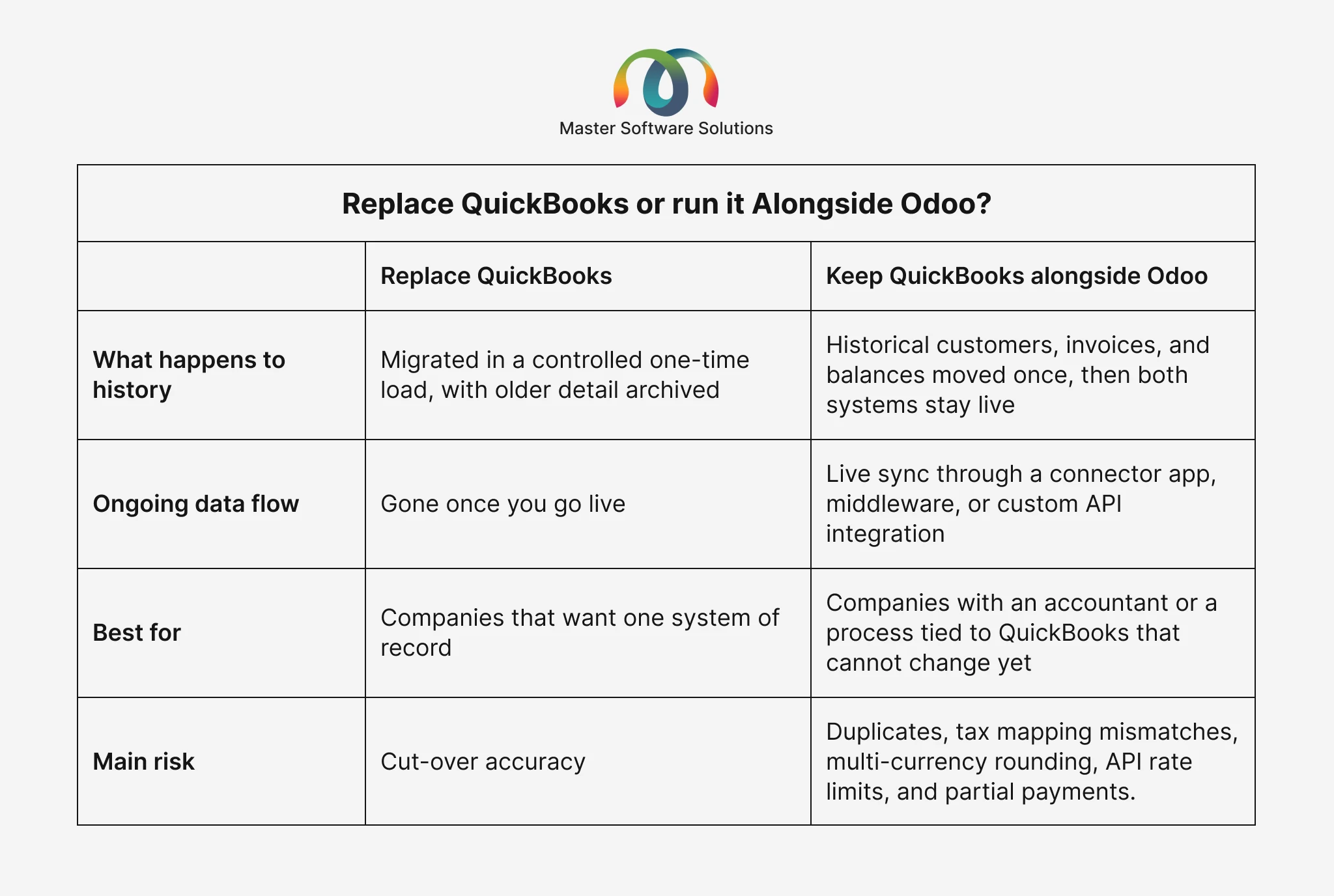
It’s for making the first decision whether QuickBooks is being replaced or kept next to Odoo. The two different paths look like this.
Most businesses choose replacement rather than choosing both QuickBooks & Odoo. If you need integrations with our system, Odoo integration services showcase a clear roadmap for integration with other platforms.
5 Stages of Migrating From QuickBooks to Odoo
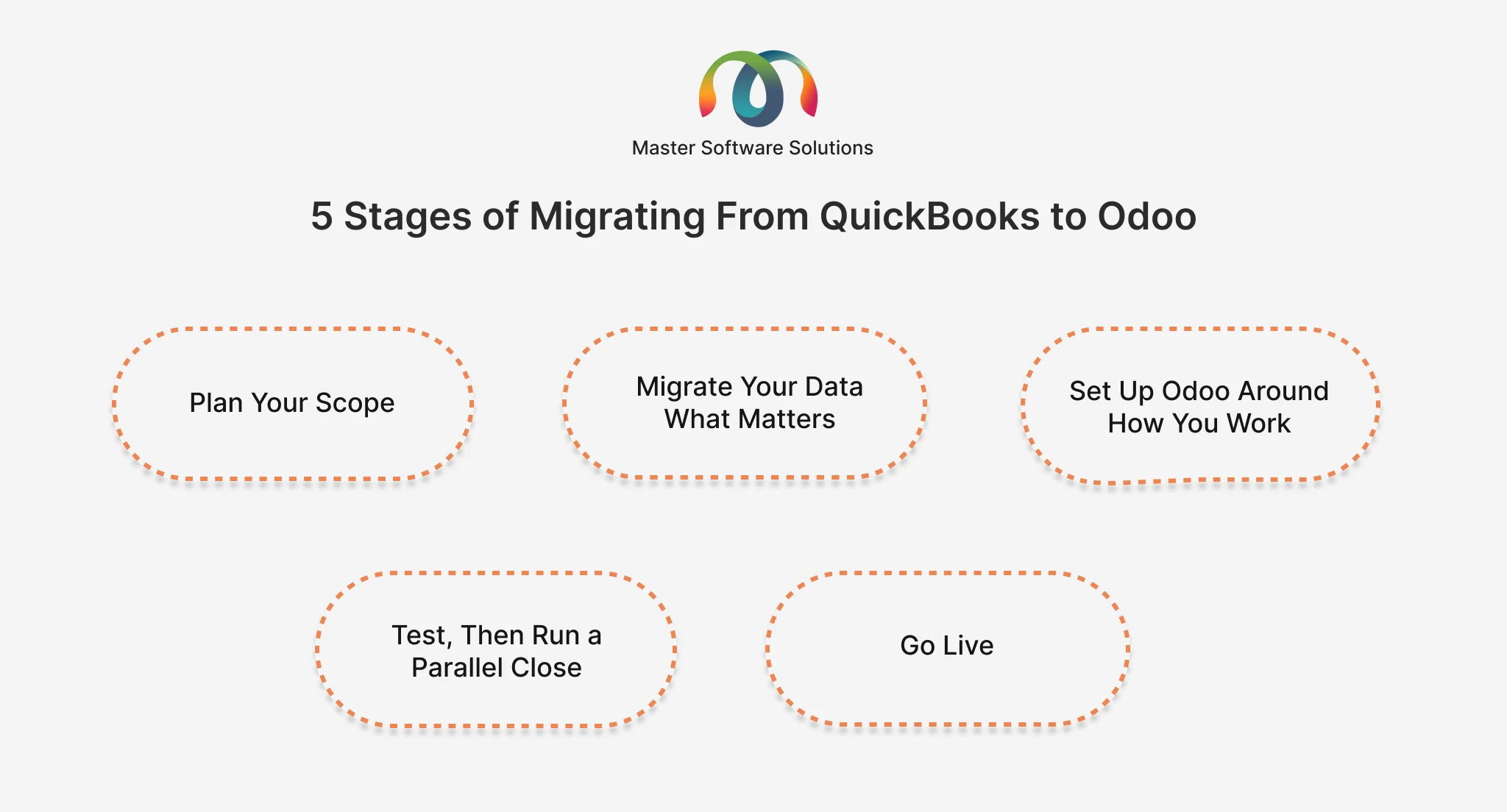
Stage 1: Plan Your Scope
- Audit your QuickBooks file that includes customers, vendors, items, open invoices, and connected tools.
- Write down what is actually in scope
- Name one owner each for finance, inventory, sales, and purchasing
- Pick a go-live date at the start of a financial period
Stage 2: Migrate Your Data What Matters
- Move current master data, open invoices and bills, and opening balances
- Archive close history and keep records in QuickBooks
- Remove duplicates and rebuild sales tax in Odoo
- Run small trial loads & then reconcile finance and inventory
Stage 3: Set Up Odoo Around How You Work
- Use Odoo’s built-in workflows and approvals before adding custom code
- Decide whether to replace, reconnect, or retire each connected tool
- Train each team for their tasks in real data
Stage 4: Test, Then Run a Parallel Close
- Check that the data is right and each process works smoothly from quote to bank reconciliation
- Run one complete period in both systems and compare the balances
- Test the whole go-live for final call
Stage 5: Go Live
- Run the final migration and check it against signed-off balances
- Lock QuickBooks entries so nobody keeps posting
- Keep a tested rollback plan prepared
- Review within one week, one month, or three months
Timeline and Cost
Time duration depends upon data volume, customizations, integrations & how available your team is for reconciliation. Migrating from Zoho Books to Odoo Accounting is a perfect example of a small accounting migration & provides results faster than carrying complete history.
Common Mistakes to Avoid
- Migrate only accounting while operations stay in spreadsheets
- Create the chart of accounts instead of simplifying it
- Moving all history, which adds cleaning, risk, and load time with little benefit
- Importing sales tax setup instead of rebuilding it
- Forgetting attachments and memo fields until after go-live
- Canceling QuickBooks before the first Odoo close is signed off
- Treating the project as an IT task, with no business owner for each data area
Choosing the Right Partner for a QuickBooks Migration
Choosing the right partner for a QuickBooks migration plays a significant role. A QuickBooks migration has its own questions that need to be asked while choosing the right partner.
- Which QuickBooks versions have they migrated from- Online, Desktop, or both, and how do they extract data?
- How do they map classes, locations, and items?
- How are attachments, memo fields, and sales tax handled?
- What rollback plan do they build in?
- What support follows when go-live?
- The factors to be considered for the right partner in Odoo 19, ensuring confident, informed decisions that support your business’s growth and digital transformation.
Conclusion
A successful QuickBooks to Odoo migration depends on a few decisions, including a clear reason for moving, a plan, and a choice about what to bring and what to archive. The pressure to move in 2026 is real, as online subscriptions cost more and growing businesses keep running operations in spreadsheets. The best migrations are not driven by pressure, but by a team that makes a decision between right & wrong.
Want to move from QuickBooks to Odoo with a clear plan? Master Software Solutions comes up with a migration approach built around your data.
Master Software Solutions is an Odoo Silver partner headquartered in Toronto, Canada. It helps businesses plan, test, and complete migrations to Odoo, with data mapping, parallel-close testing, rollback plans, and post-launch support built in. Connect with our experienced team to get the right solution for migration.